





Engage Every Student, Every Lesson.

KaganTools is a web-based toolkit for full student engagement!

5/5 Five out of five teachers recommend KaganTools to fellow teachers for engaging students.
Elementary students working in teams during a Numbered Heads Together lesson
26%
Average achievement gain (meta-analysis)
1,000+
Research studies support cooperative learning
100%
Student participation, not just the hand-raisers
K–12
Built for every grade, every subject

Everything You Need to Engage Every Student

  • Lead students step-by-step through research-based Kagan Structures.
  • Display beautiful timers for your class, for every timing need.
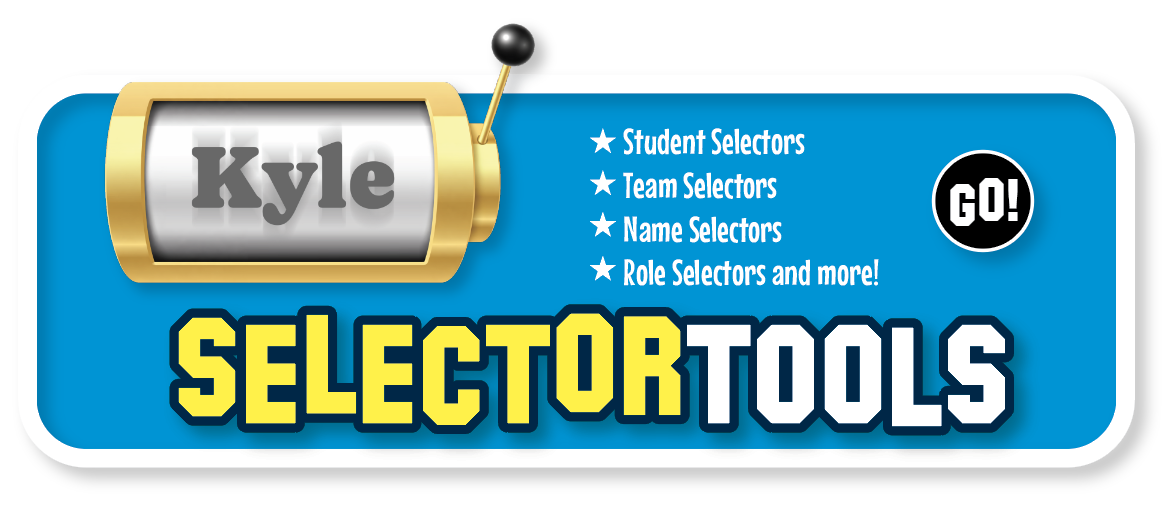
  • Project spinners, dials, dice, and more for selecting students and teams.
  • Form balanced pairs and teams with the click of a button.
  • Find question sets for your subject, topic, and grade.
  • Leverage the power of AI to custom-build question sets for you.
  • Use 100s of ready-made classbuilding and teambuilding activities.
  • Print ready-to-use worksheets and cards.
All in one place

The All-Inclusive Student Engagement Toolkit

KaganTools subscribers get access to all of these tools!

Kagan CL Structures

Everyone Answers! Mix-Pair-Share Numbered Heads Together

Management Tools

TimerTools SelectorTools TeamTools

Content Management

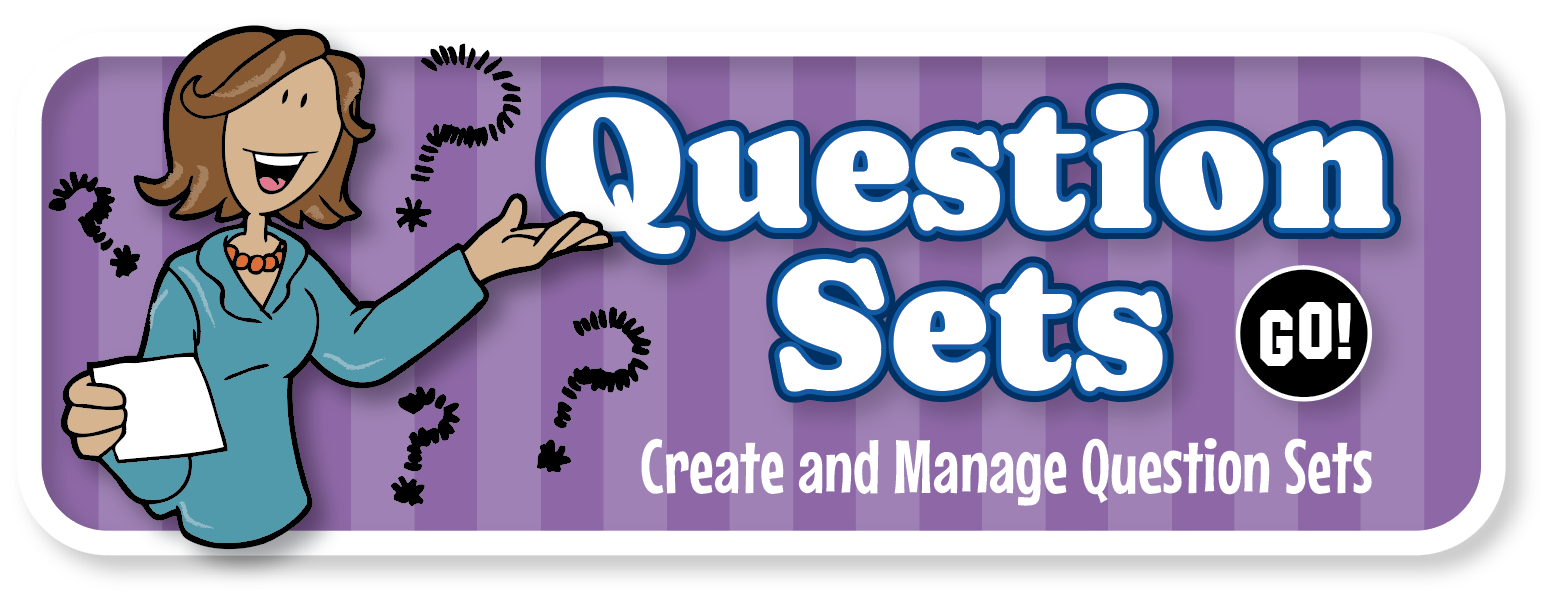
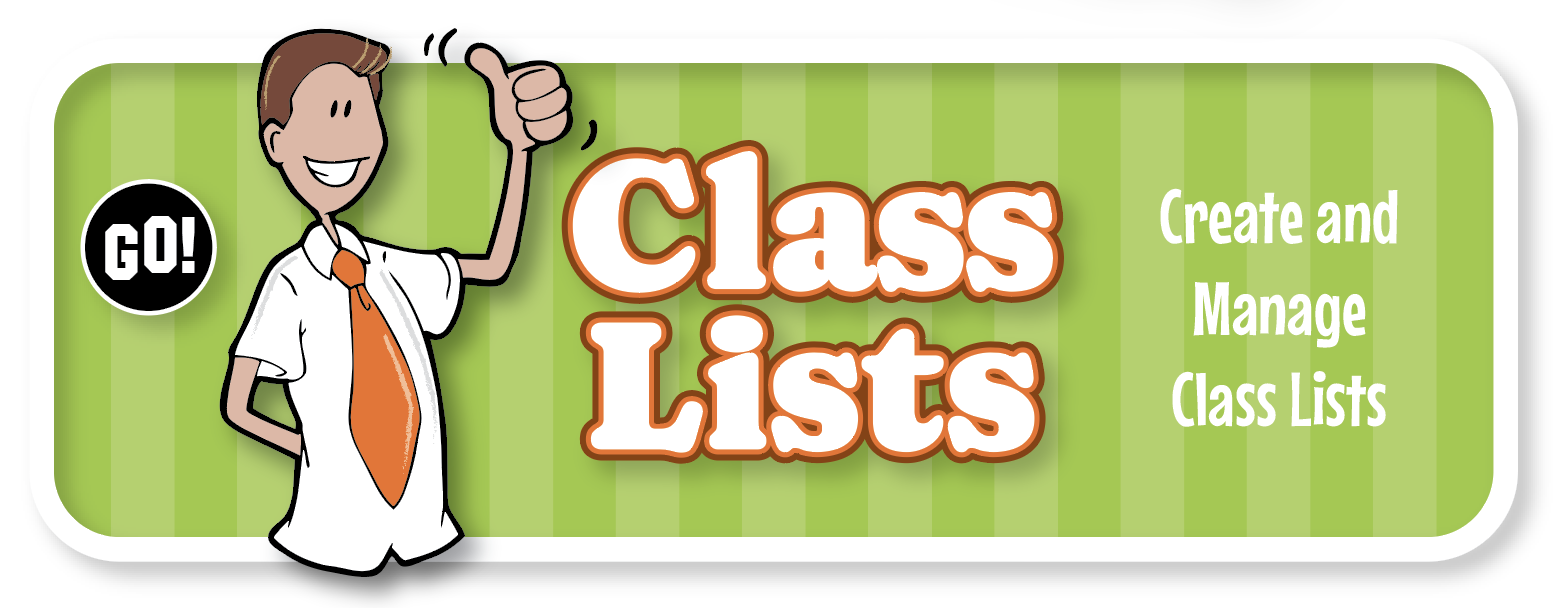
Question Sets Class Lists

Plus, more awesome tools in active development — included for all subscribers.

Kagan CL Structures

Making Full Engagement Easy as a Click

Each Kagan CL Structure leads you and your class through a powerful, proven sequence of engagement steps.

Kagan Structures

Step-by-step structures, perfectly paced

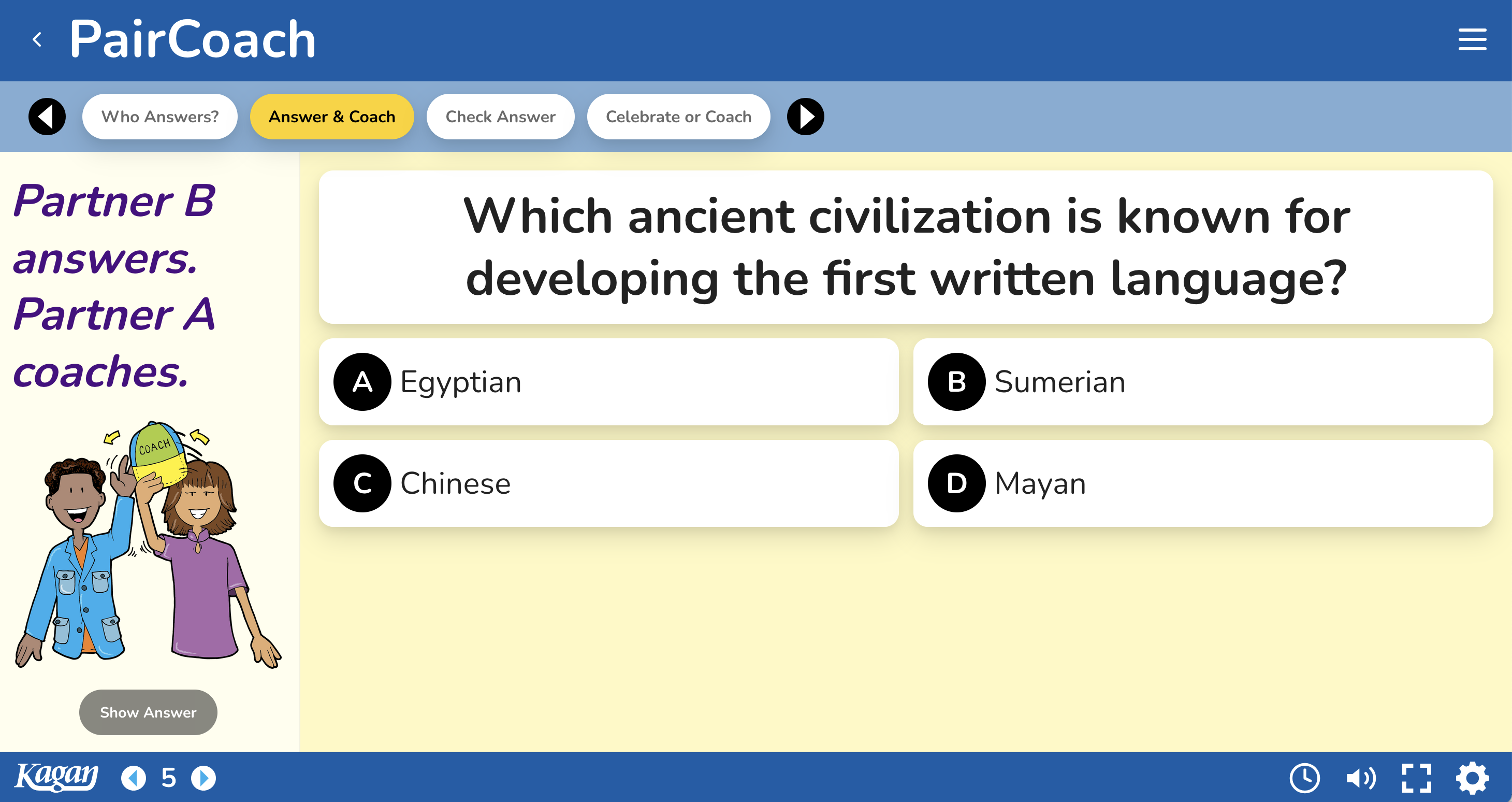
The Kagan CL Structure tools lead you and your class through every step of research-based engagement sequences — so you can be confident you're doing it right every time.

  • Display the question for students (with images)
  • Integrated timers for timed participation
  • Fun selectors keep every student engaged
  • Click-through steps and prompts to maximize success
PairCoach structure tool guiding partners through Answer & Coach steps
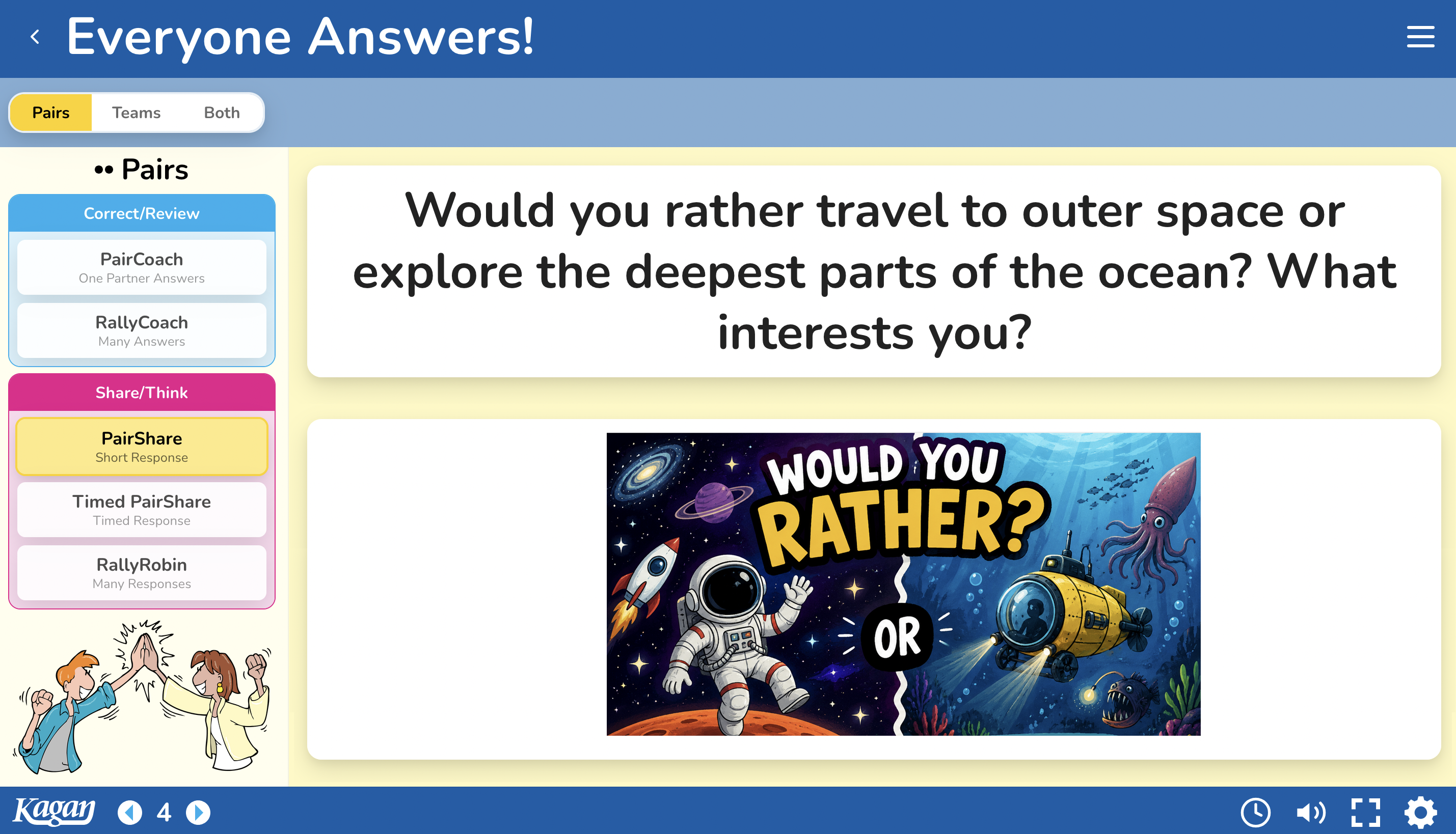
Everyone Answers!

Don't call on one — call on everyone

Everyone Answers! automatically detects your question type and recommends the best pair or team structure to get every student responding to every question.

This one tool can single-handedly transform your classroom from a place where some students participate sometimes into a beehive of active engagement by all.

Everyone Answers! screen — a Would You Rather question displayed for the class
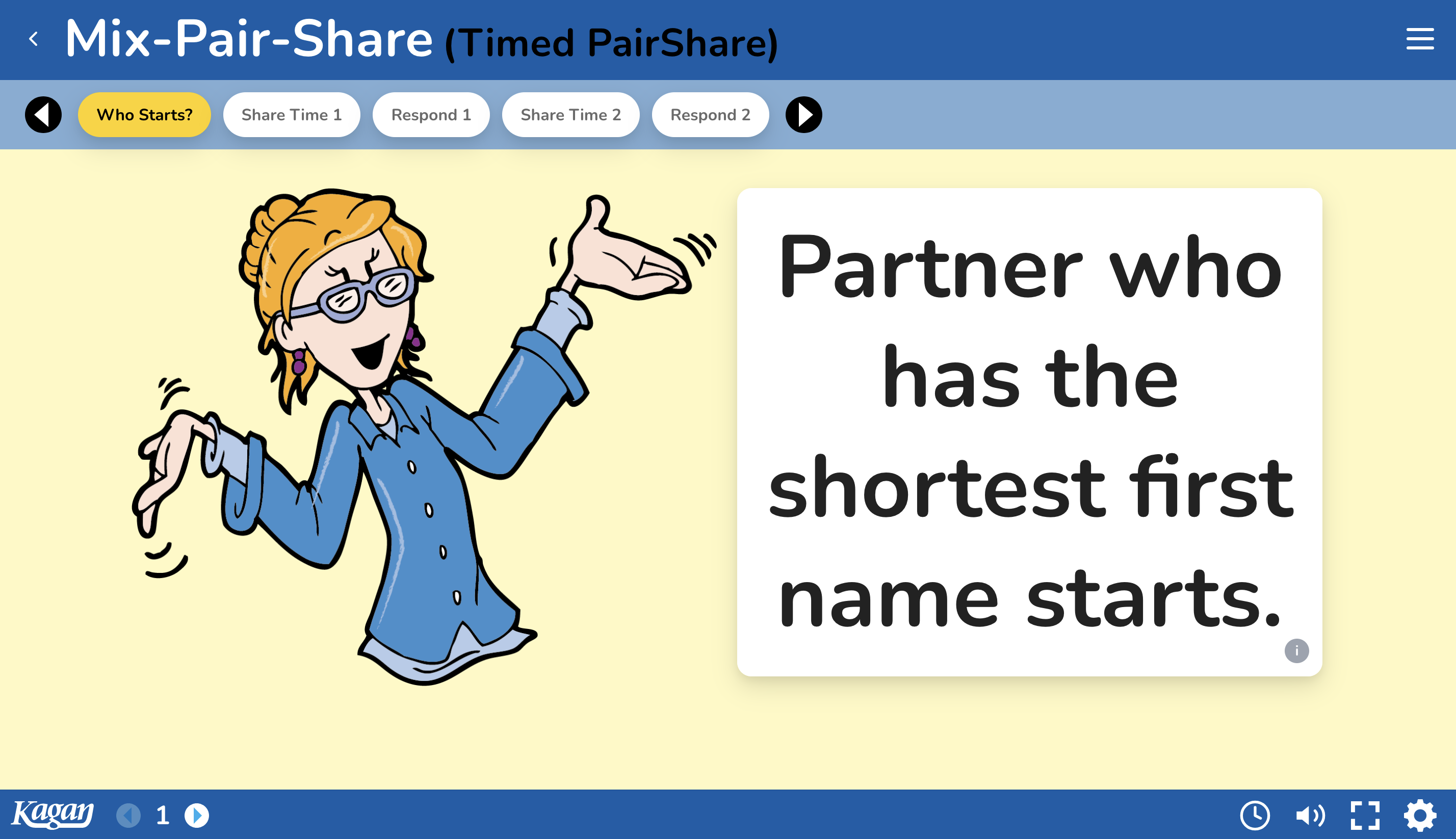
Mix-Pair-Share

Students mix, pair up, and share — again and again

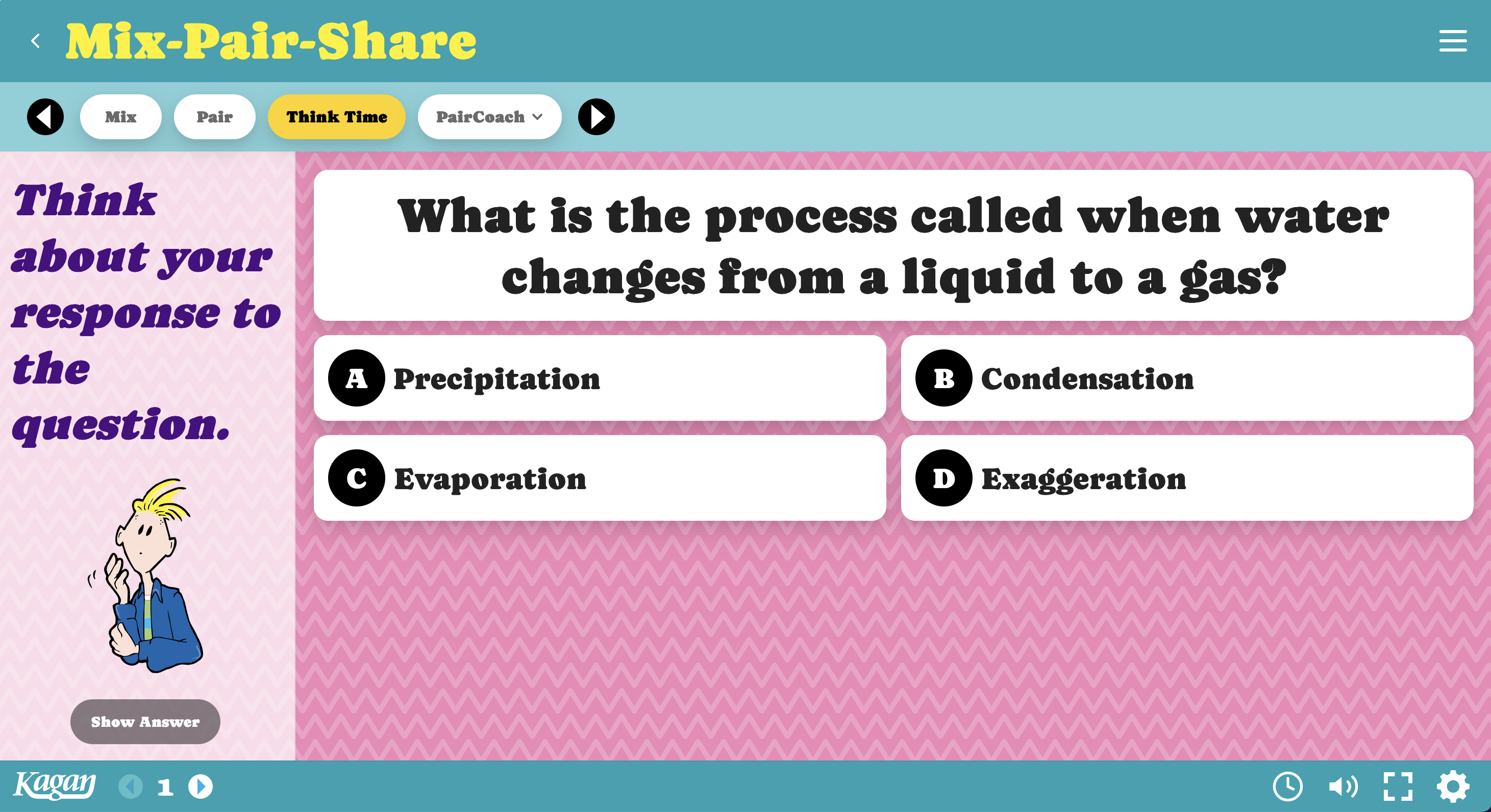
Students love this structure for fun classbuilding questions and for learning. They mix in the class, pair up, and interact with a classmate. Then again. And again. Each time with a new partner and a new question you display. Make learning interactive and fun.

Mix-Pair-Share Timed PairShare prompt asking who starts
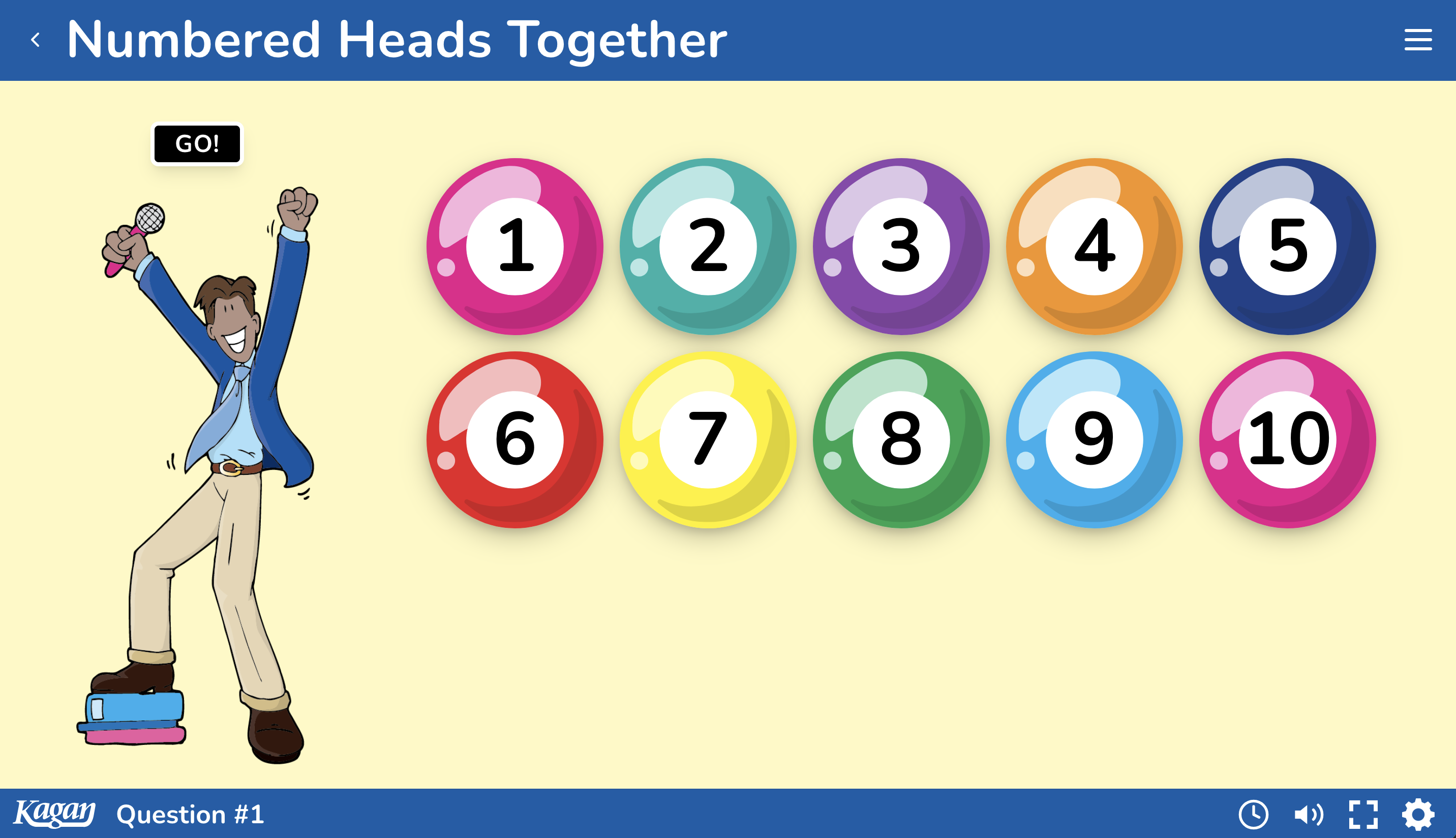
Numbered Heads Together

Quiz-show energy. Real learning gains.

This digital version plays like a quiz-show review. Display the questions, students put their heads together in teams, and you select students to share their team's answer. Research on this structure alone shows more than a 25% gain in student quiz scores — the equivalent of turning C grades into A grades.

Numbered Heads Together — numbered balls 1 through 10 for selecting students
Classroom Management Tools

Manage Student Engagement Like a Pro

Super-helpful tools for managing the moments between the moments.

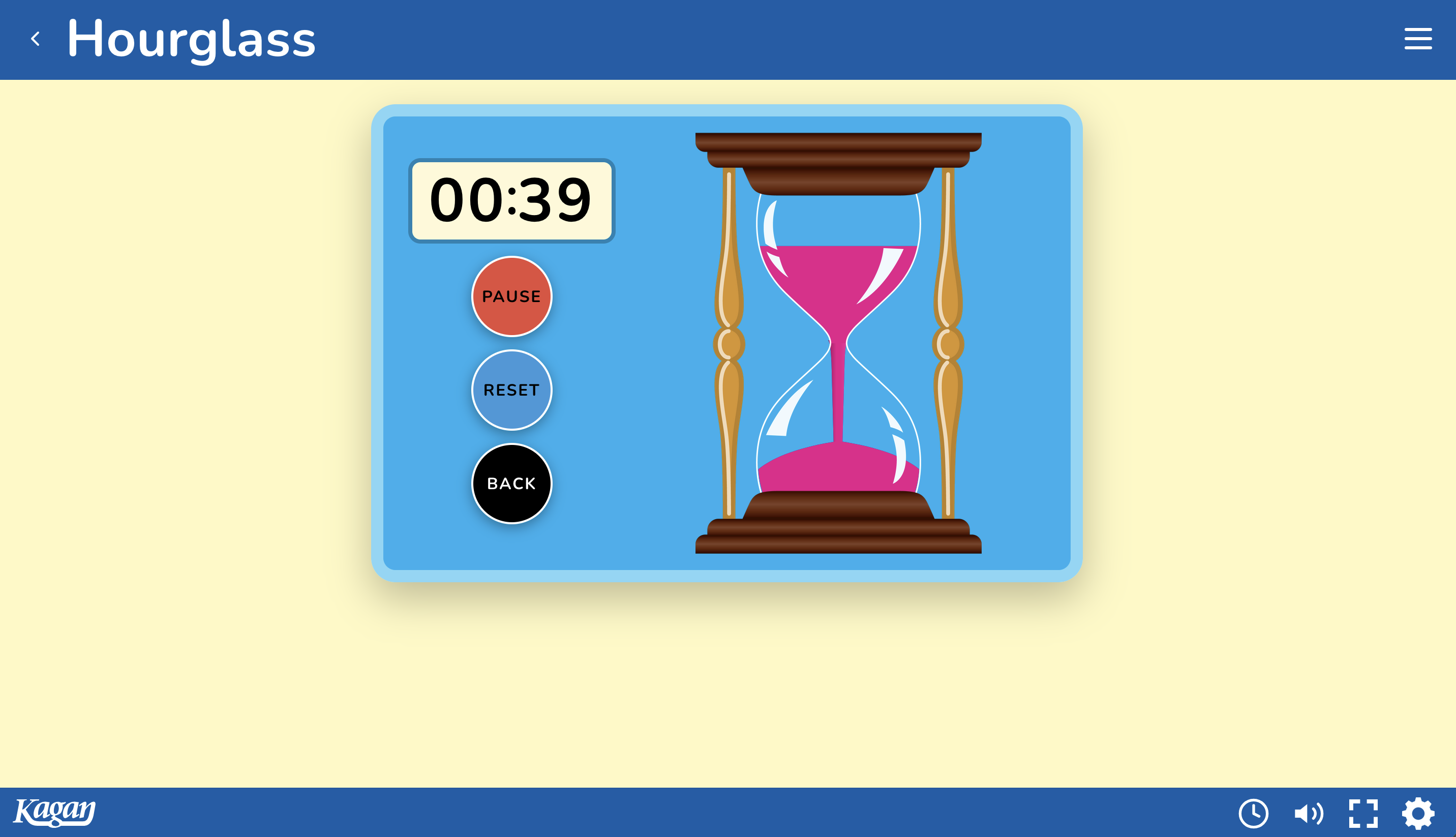
TimerTools

20 timers for every classroom timing need

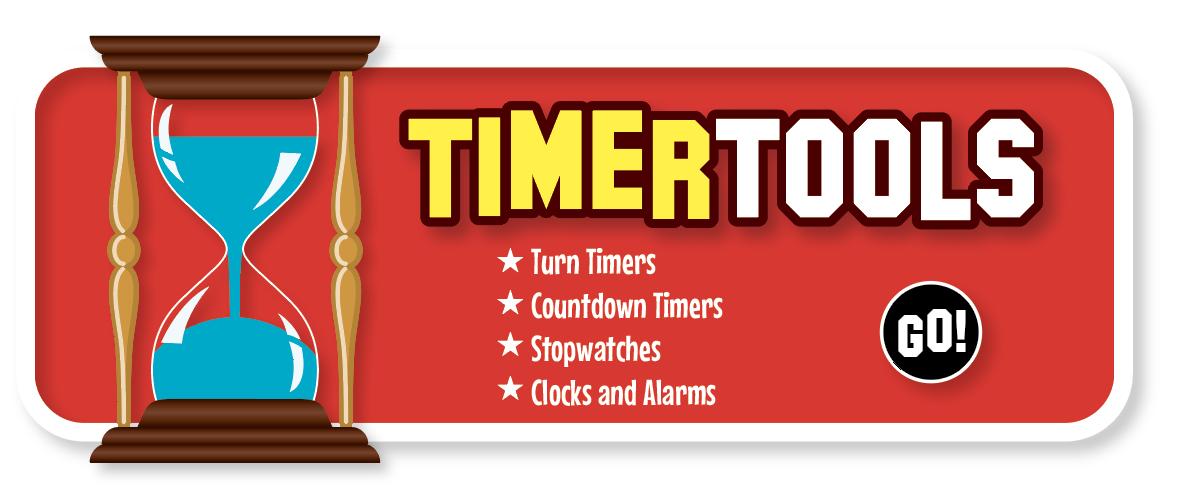
Use turn timers to show whose turn it is and how much time is left. Display an hourglass, or one of many countdown timers, to show the class how much time remains. Use stopwatches to time activities — or simply display the time and set alarms in style.

TimerTools hourglass timer counting down
SelectorTools

15 selectors to keep everyone actively involved

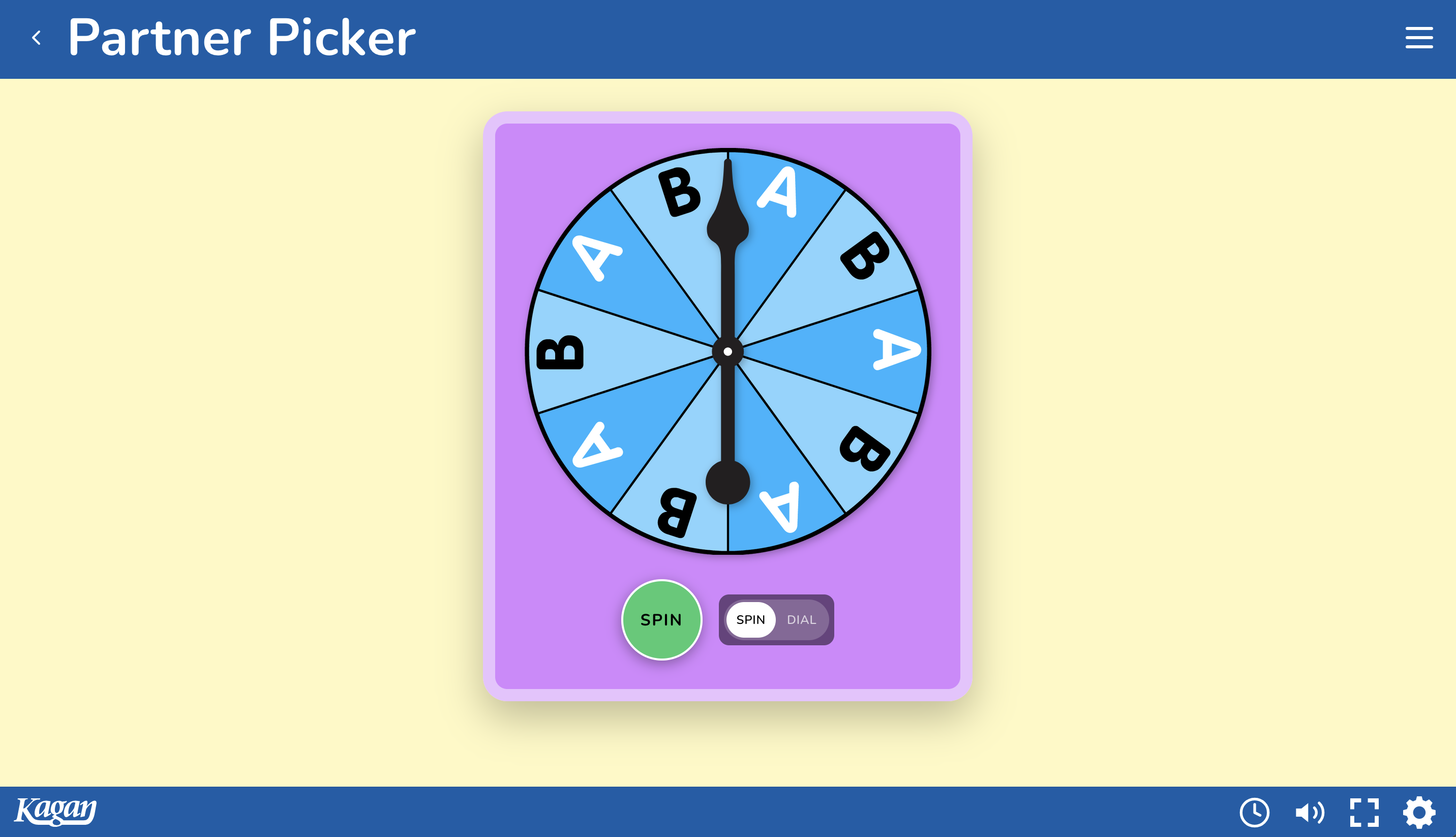
Click a button to randomly pick a student in teams of 3, 4, or 5 to share. Spin a spinner to pick Partner A or B to go first. Use fun prompts like “the partner with darker shoes” to select who's up — or customize your own prompts.

SelectorTools Partner Picker spinner choosing Partner A or B
TeamTools

A terrific time saver for teachers

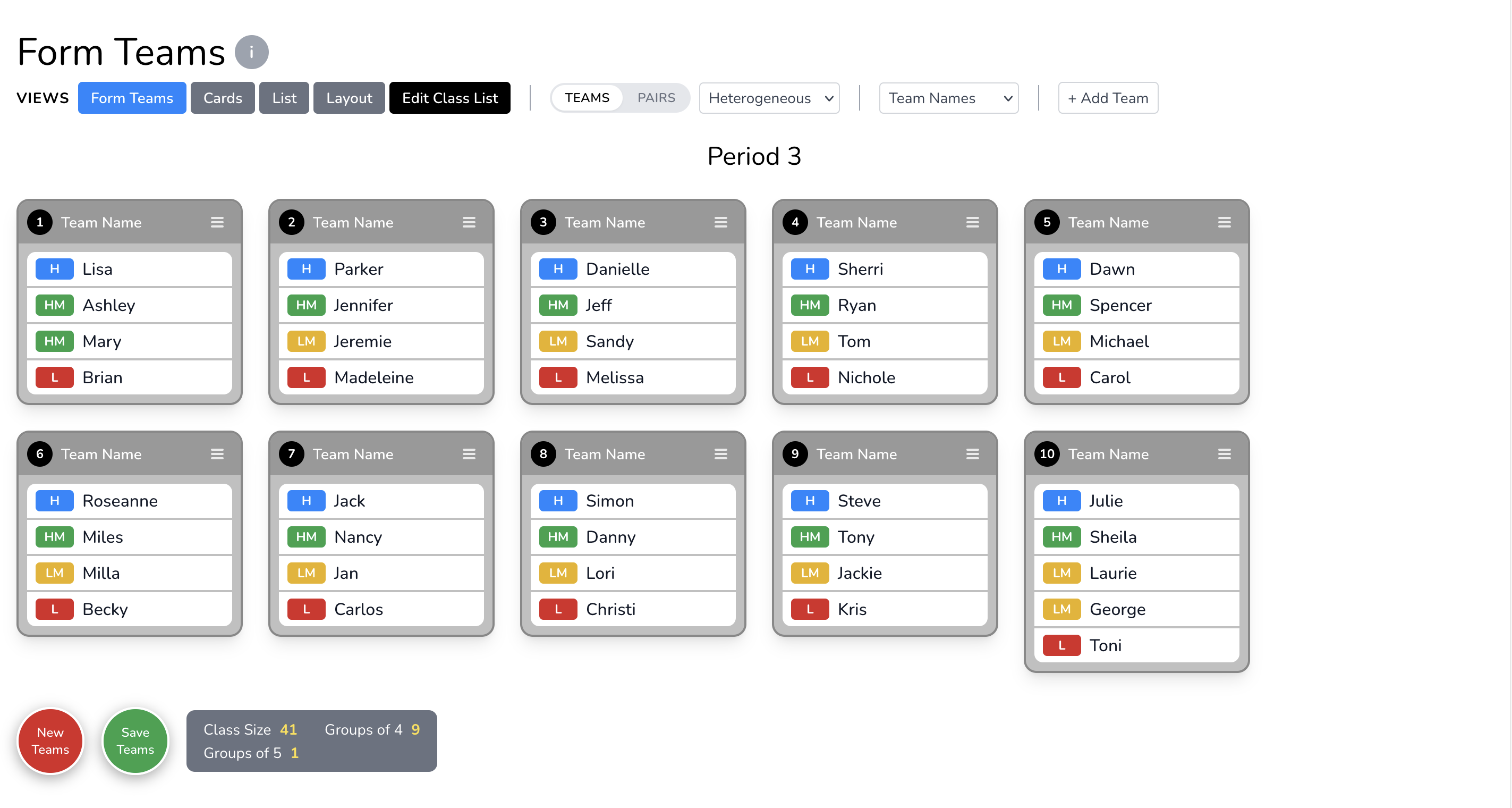
It used to be a chore to form and re-form teams. Not anymore! Form balanced cooperative learning teams with the click of a button. Want random pairs? Click. Want to split the class into two groups? Click. View or print your teams as cards or a list. Even lay teams out on a map of your classroom with multiple furniture types.

TeamTools Form Teams view showing balanced cooperative learning teams
Question Sets

An Endless Supply of Question Sets

Build, organize, and share question sets of multiple question types — ready for any structure or activity. KaganTools handles typical right-or-wrong classroom questions, plus open-ended questions for student interaction, thinking, and discussion. Work on core academic curriculum and develop essential life skills like critical thinking, relationship building, and communication.

Correct / Review

Right answer based

Develop Academic Knowledge and Skills

  • Question & Answer
  • Multiple Choice
  • True / False
  • Many Answers
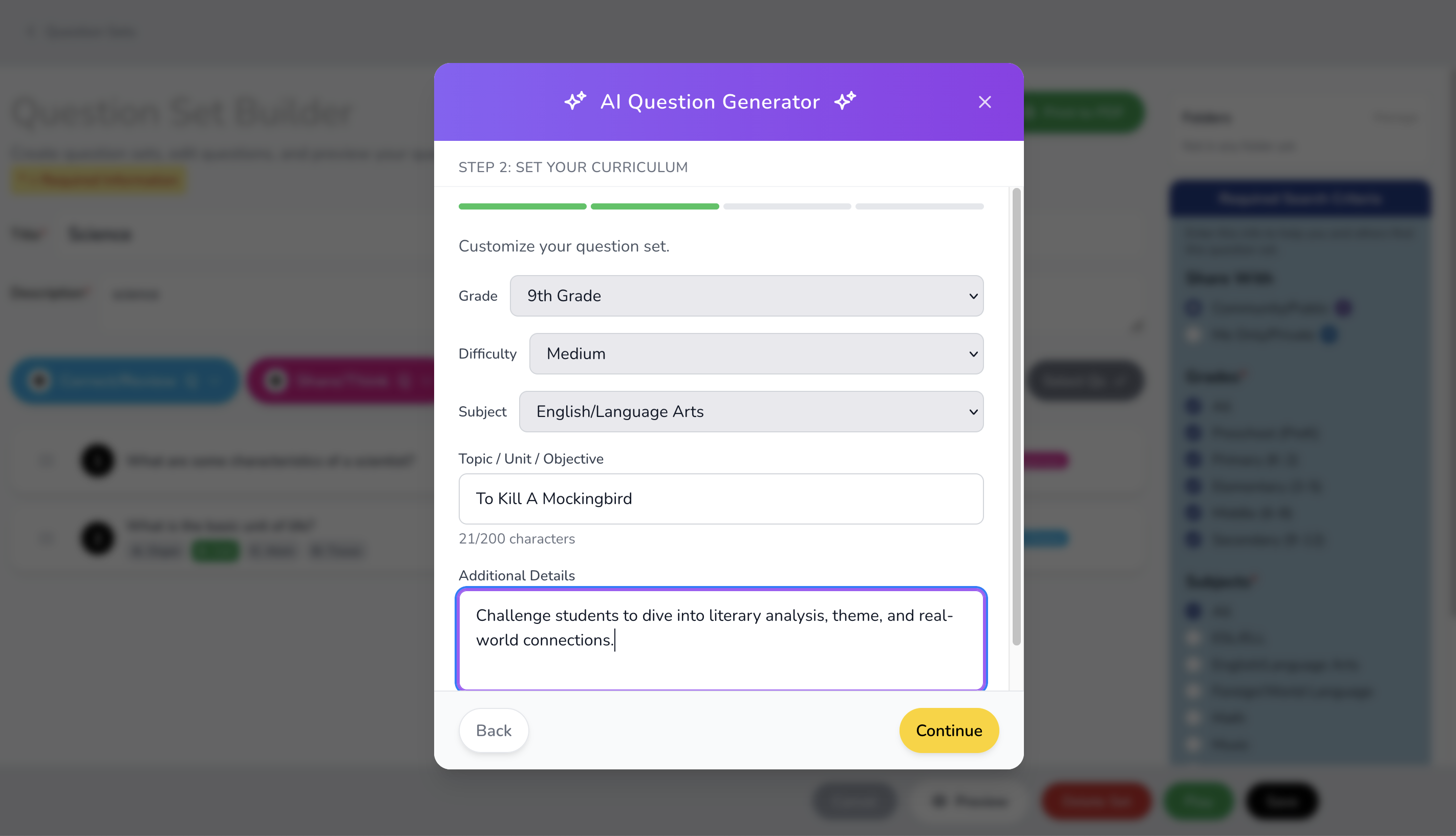
AI Question Generator dialog setting grade, difficulty, subject, and topic

AI Question Builder

Leverage the power of AI to quickly build question sets. Set the grade, subject, topics, and types of questions you want — AI creates them for you. Keep them, fine-tune them, or edit them yourself.

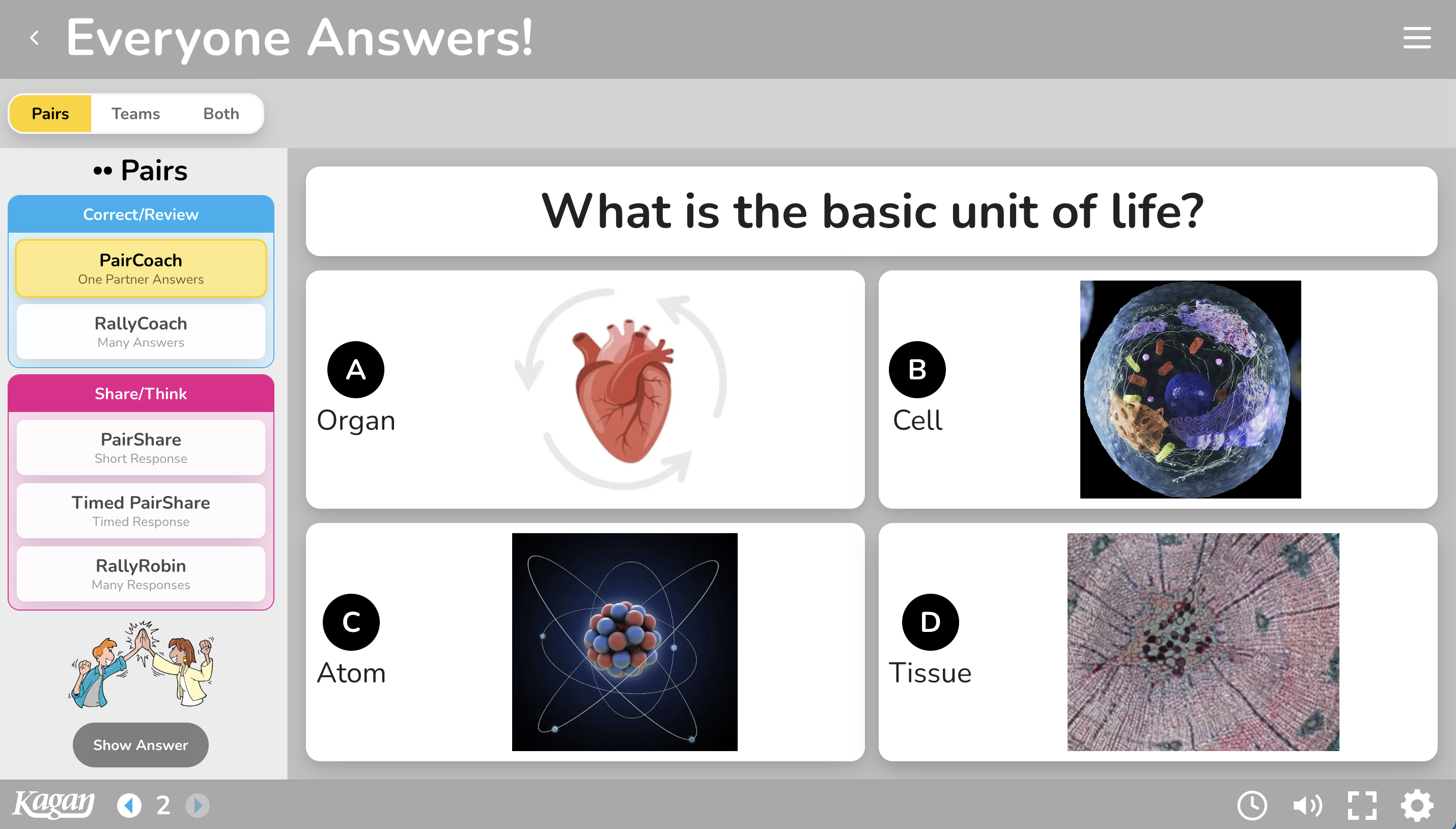
Everyone Answers! multiple-choice question with photos for each answer option

Photos & Images

Include photos and images in your questions, answers, or both. Great for visual learners and for differentiation.

Kagan Curated Question Sets

KaganTools comes pre-loaded with 100s of ready-to-use question sets — for the subjects, grades, and skills you teach.

Community & Group Sharing

Share question sets with the KaganTools community — and use everyone else's, free. With a group subscription, share within your school, district, or grade-alike team. Copy and modify any set as you please.

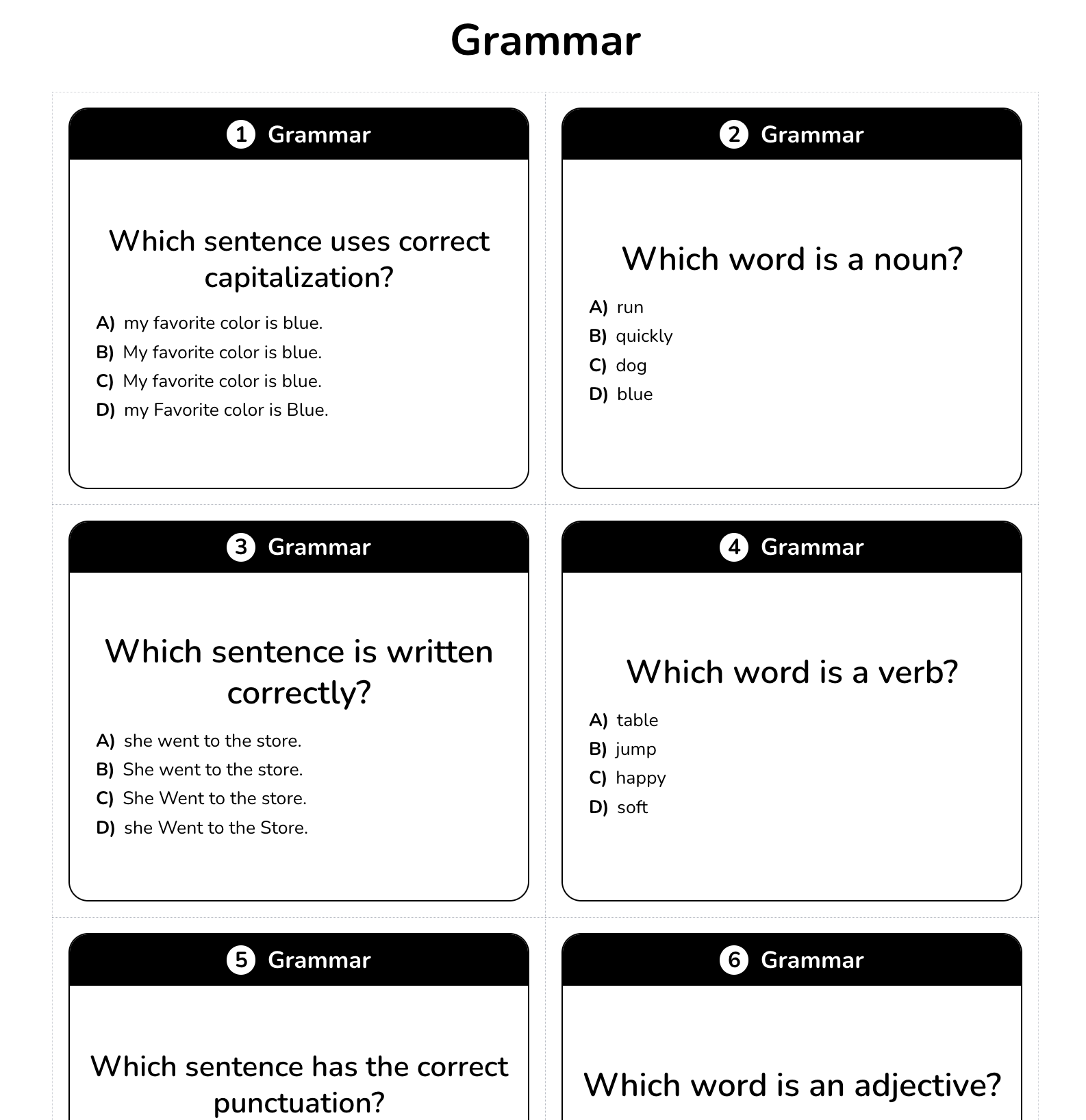
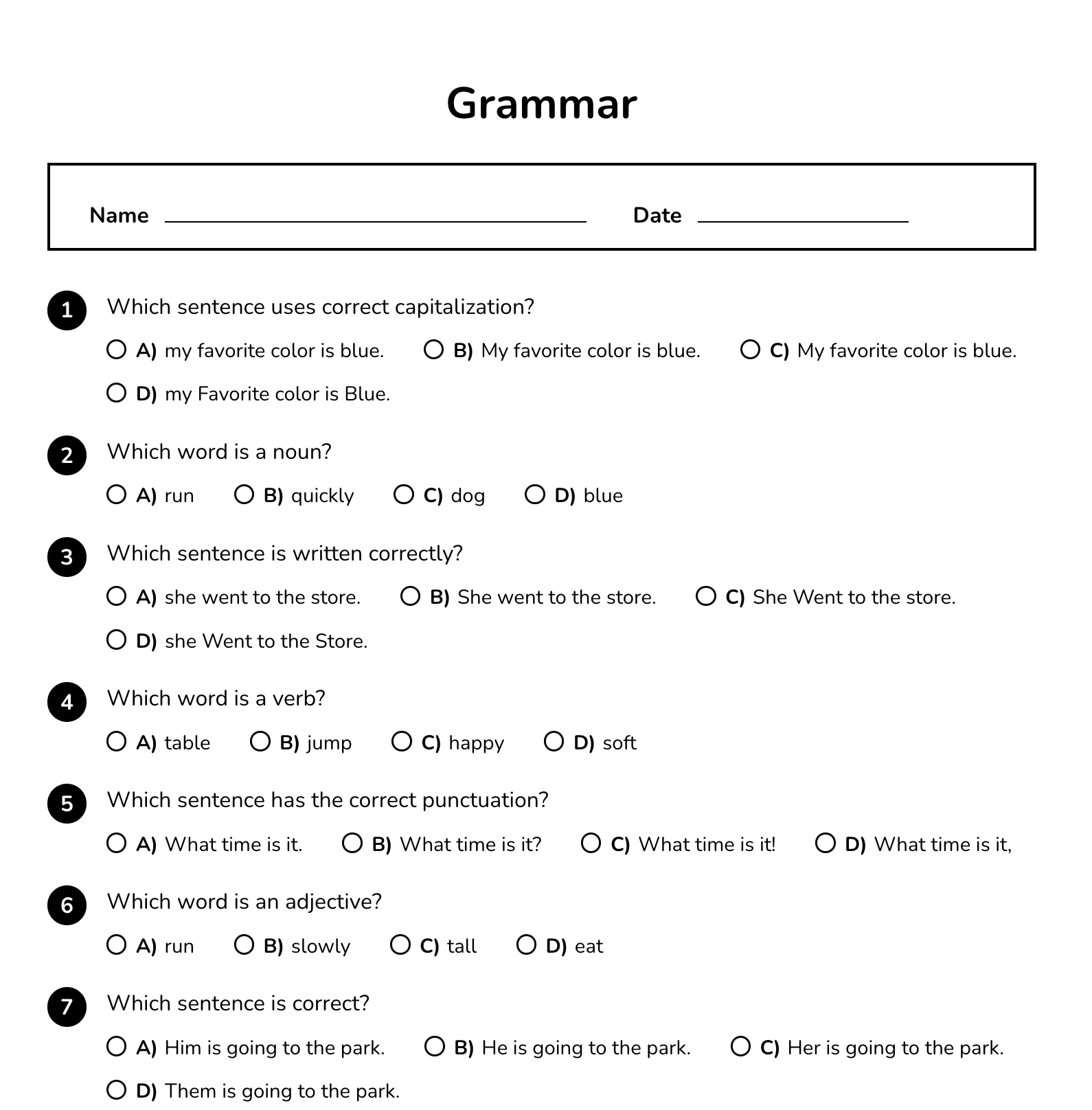
Printable Grammar question cards Printable Grammar worksheet with multiple-choice questions

Print-Ready Question Sets

Create and print PDFs of your question sets, Kagan question sets, and community sets. Question sets work great for many pair and team structures. You get access to great teacher-created content for FREE!

Less Screens. More Humans.

More Teamwork. Less Screen Time.

KaganTools is designed to increase face-time and decrease screen-time. Technology has its place in the classroom — to improve engagement, not replace it.

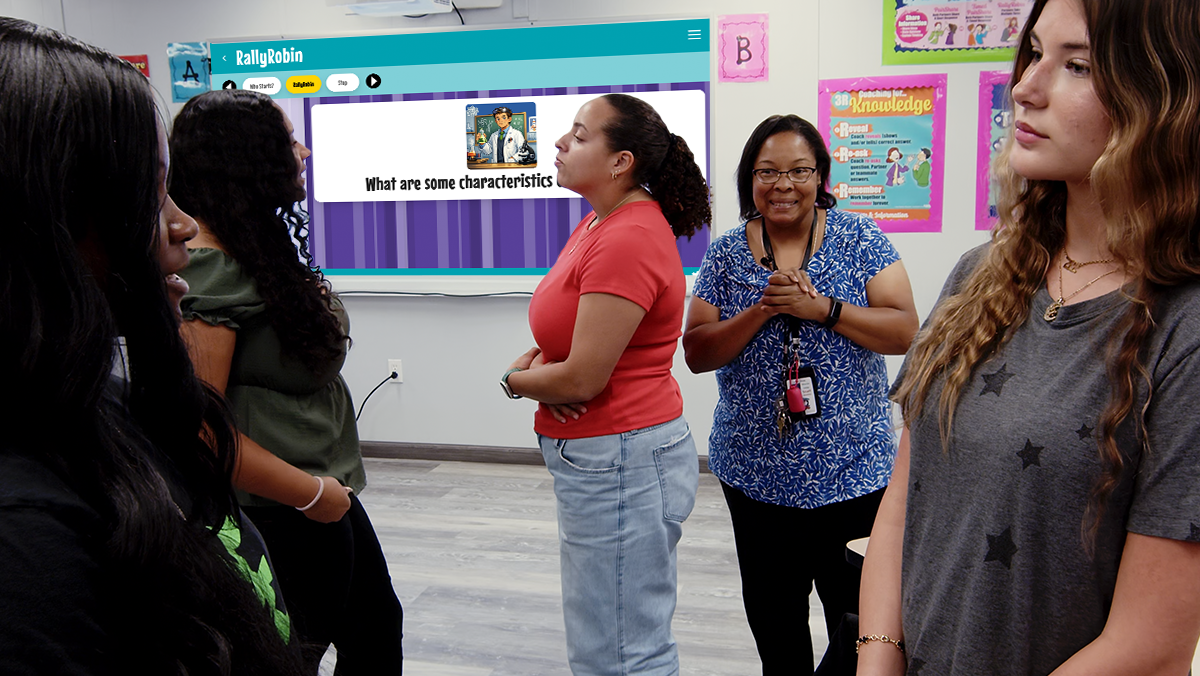
KaganTools lives on the teacher's device and is designed to project to the classroom. Instead of working solo on devices, students interact in pairs and teams. We facilitate face-to-face interaction so students build belonging, social skills, and collaboration habits they'll use for life. Convert passive screen-time into active teamwork.

High school students standing in a circle with their teacher during a RallyRobin discussion
Teacher Tested. Teacher Approved.

What Educators Are Saying

Teachers across grade levels are discovering new ways to keep students actively involved.

★★★★★
KaganTools has completely transformed the energy in my classroom. The interactive structures keep every student involved instead of just the few who usually raise their hands. I also love being able to customize the look and feel to match my teaching style and grade level.
SM
Sarah M.5th Grade Teacher
★★★★★
The timers, engagement tools, and guided structures make classroom management so much smoother. My students stay focused because the activities feel dynamic and organized — and I spend less time explaining directions and more time teaching.
DR
David R.Middle School Science Teacher
★★★★★
What impressed me most about KaganTools is how flexible it is. I can switch themes, layouts, and presentation styles depending on the lesson, and students respond really positively to the visual changes. It feels like a modern teaching companion built specifically for engagement.
MT
Melissa T.High School English Teacher
Make it yours

Your Classroom. Your Style.

Customize the look and feel of the platform with fonts, colors, layouts, themes, and design options to match your grade, your aesthetic, your teaching style — or your students' needs. Whether you prefer colorful and energetic, calm and minimalist, or school-themed palettes, KaganTools lets you design your own style and save multiple themes for different subjects, holidays, or any look you wish.

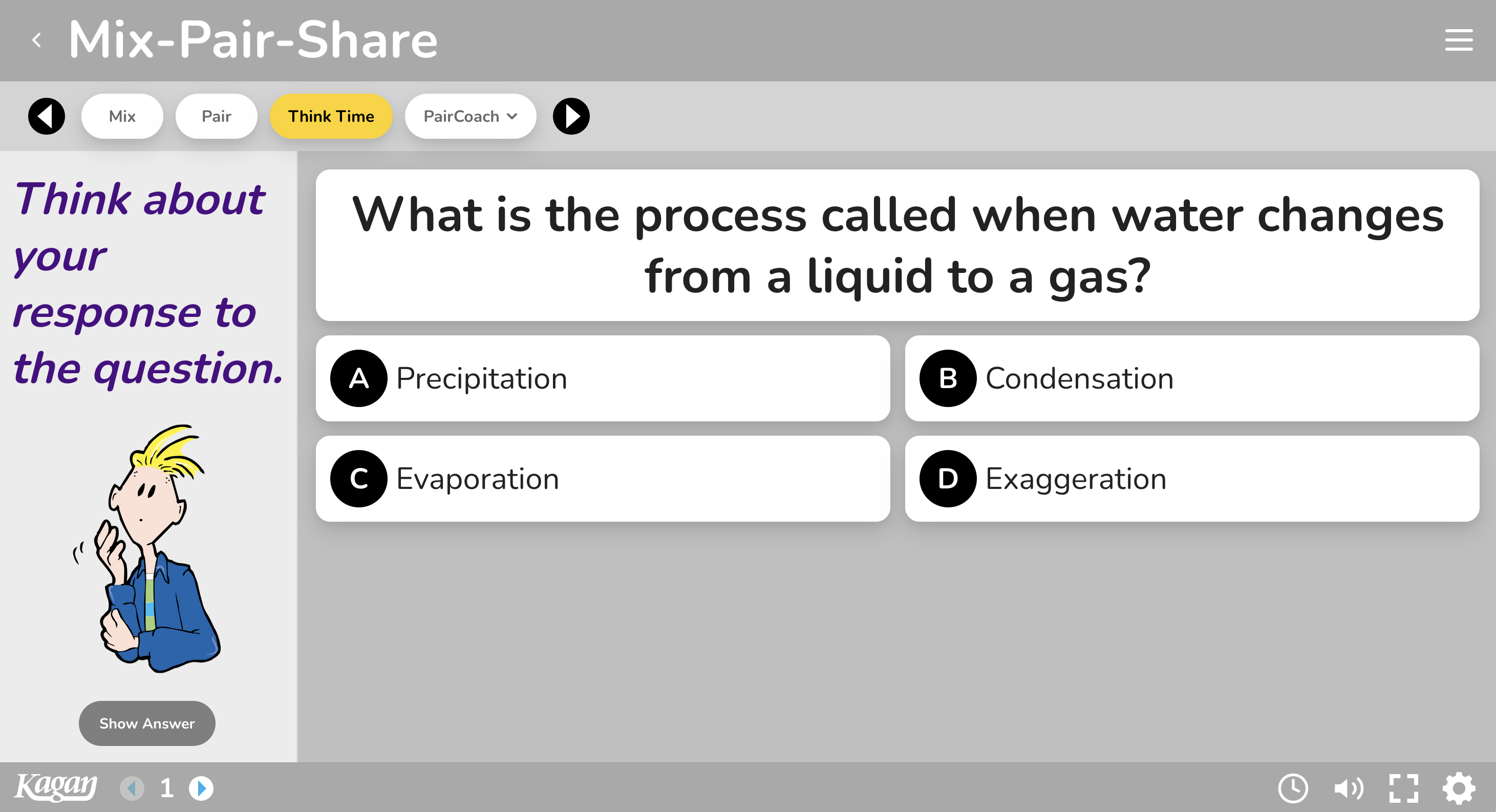
Mix-Pair-Share styled with a bold magenta theme
Any Color, Many Styles
Mix-Pair-Share styled with a clean minimalist theme
Clean and Minimalist
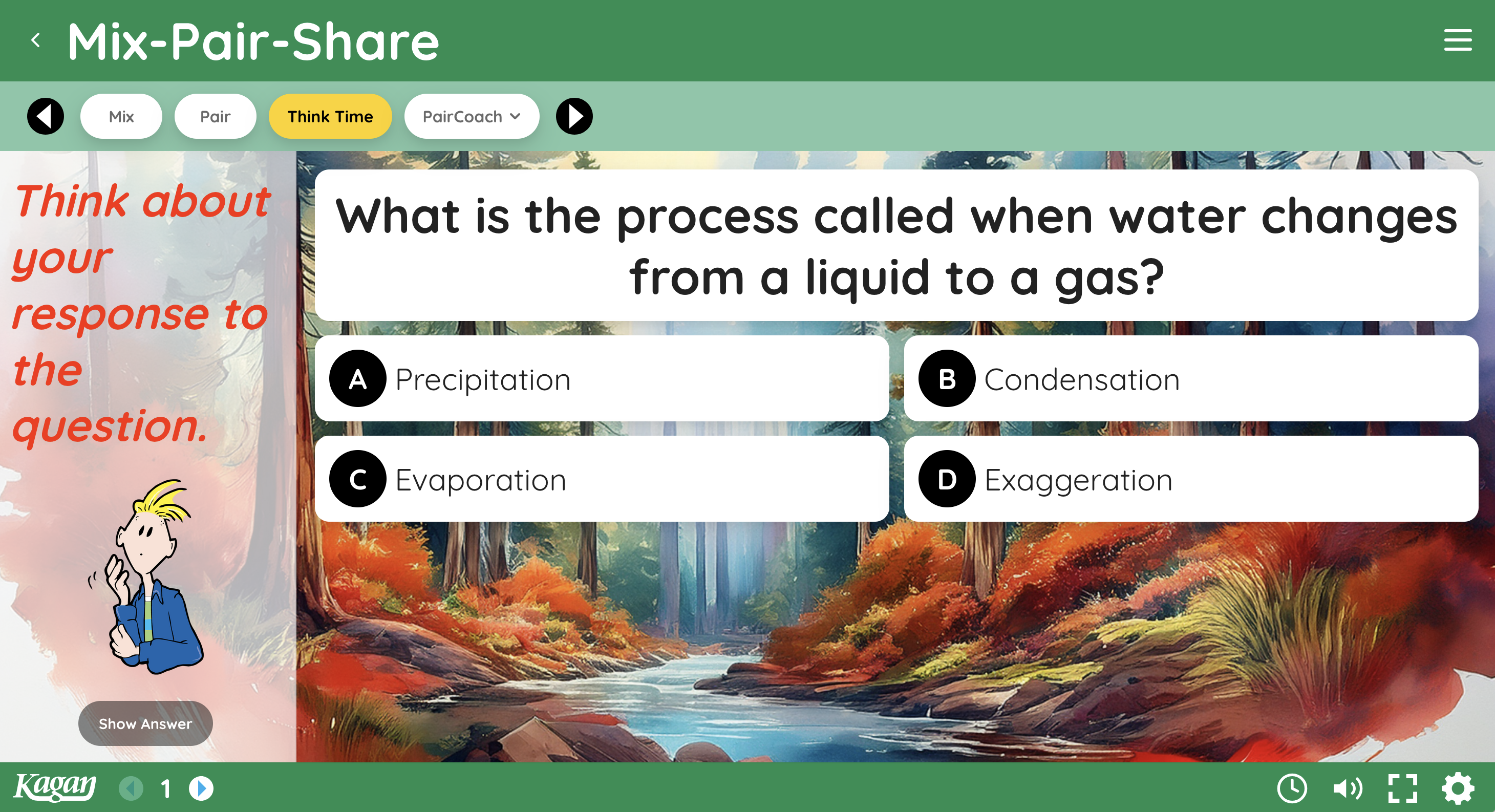
Mix-Pair-Share styled with a nature photo background
Use Any Background Photo
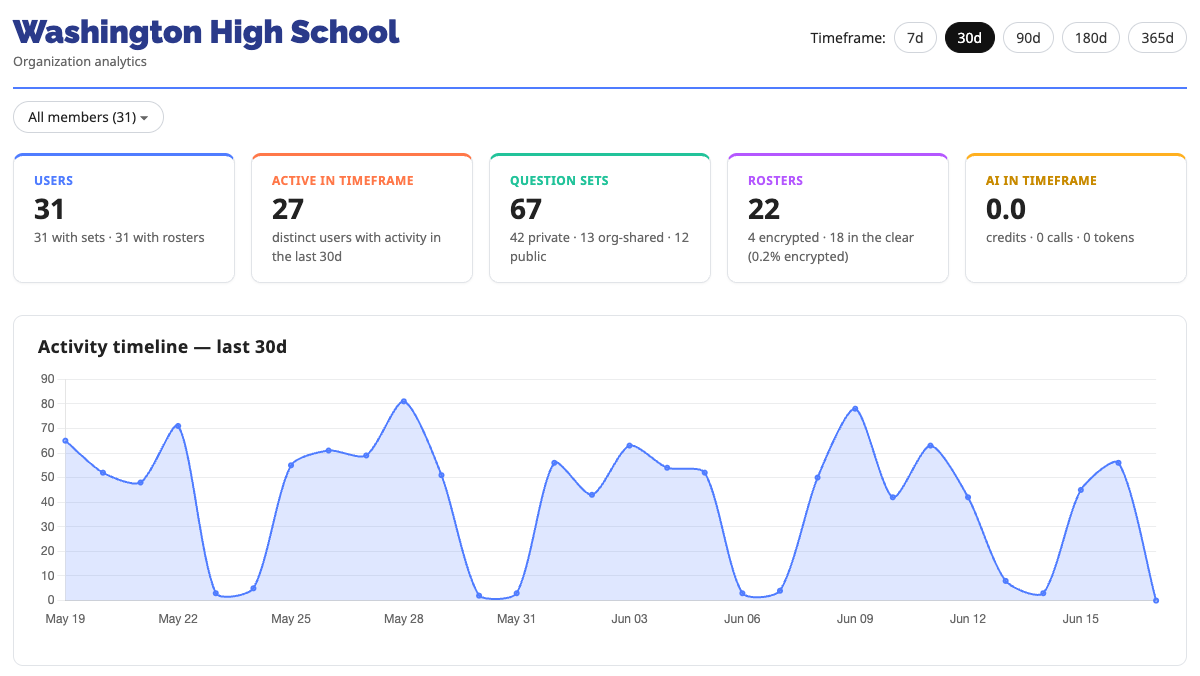
KaganTools admin dashboard showing organization analytics and an activity timeline
For Administrators

Full Control and Analytics for Administrators

As a leader, you want technology that's easy to roll out, easy for teachers, and gives you the data you need to make informed instructional decisions. The KaganTools admin dashboard empowers leaders to:

  • Quickly and easily invite teachers to join
  • Set up small groups, the entire school, multiple schools, or the entire district
  • Substitute teachers and manage seats with one click
  • Add more seats to user groups on demand
  • Monitor teacher usage by day, week, or month
  • Rank users by frequency of use
  • See exactly which tools teachers are using
Pricing

Simple Plans for Every Classroom

Start with a free trial — no credit card required. Upgrade any time as your team grows.

★ Limited-Time Introductory Offer ★ Get started today for just $59 for your first year Offer expires September 30, 2026
Individual
For a single teacher
$10/ month
or $99/year — billed annually
✦ Save $21 a year
  • Full access to all KaganTools
  • Hundreds of curated question sets
  • AI Question Builder
  • Save unlimited themes & class lists
Start Free Trial
District
For multiple schools
Custom
  • Everything in School / Group
  • Multi-school & district rollout
  • District-wide usage reporting
  • Dedicated onboarding & support
Request Quote
Tech Specs

Designed with Teachers and IT Directors in Mind

KaganTools runs in the browser on the teacher's device and projects beautifully to any classroom display.

Devices & Compatibility

  • Macs, PCs & Chromebooks
  • iPads, tablets & phones
  • Interactive whiteboards

Browser-Based

  • Works on any modern web browser
  • No installs or downloads required
  • Runs on managed school devices

Responsive Design

  • Optimized for touch, mouse & keyboard
  • Scales to large classroom displays
  • Smooth on screens of every size

Privacy & FERPA

  • FERPA compliant
  • No student data collection
  • No student accounts required

Accessibility

  • WCAG-compliant design
  • Keyboard navigation & screen reader support
  • Readable contrast & inclusive interactions

Built for IT

  • Cloud-based with automatic updates
  • Zero maintenance for IT teams
  • Secure, scalable & easy to deploy across schools

Ready to Transform Your Classroom?

Join educators using KaganTools to create full student engagement — every lesson, every day.